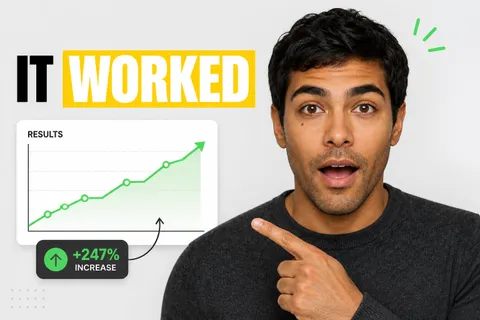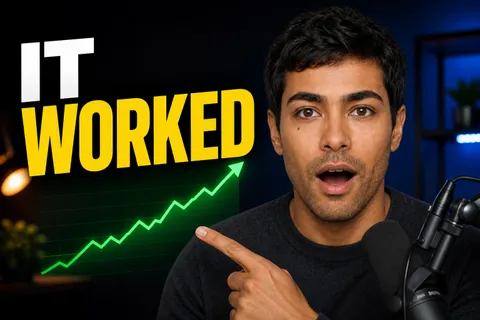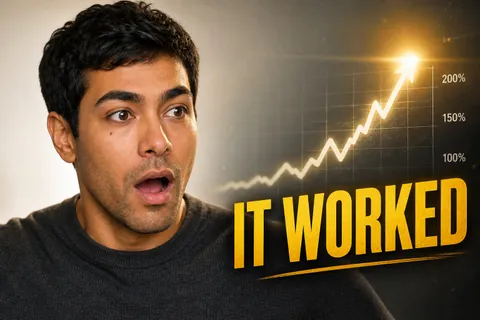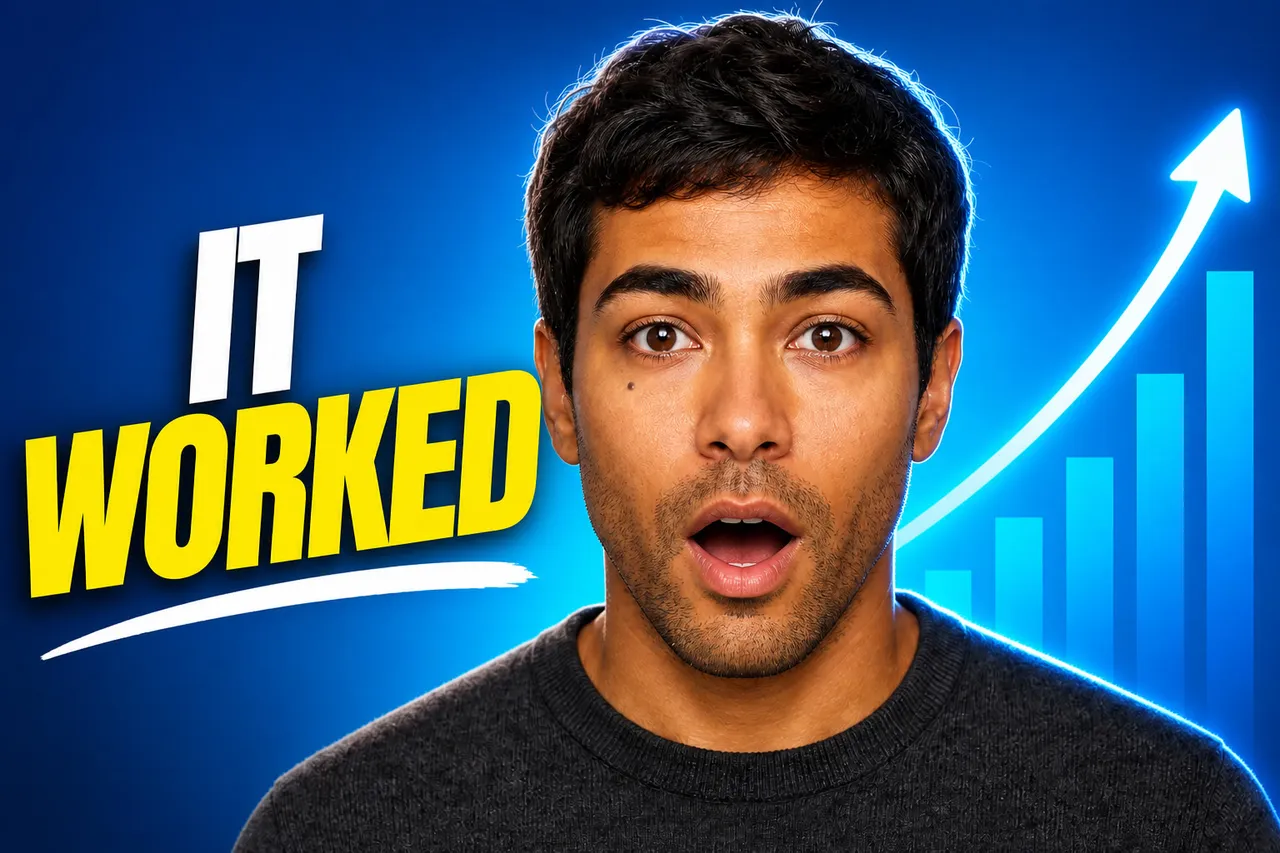
I tried every AI thumbnail maker so you don't have to
Your Channel
128K views · 2 days ago
Free tool
Drop your thumbnail, type your title, and check how it reads on YouTube home, search, the sidebar, mobile and Shorts. Nothing leaves your browser.
Your image stays on your device.
Drop your image or click to choose a file (JPG, PNG or WebP).
Type the title and channel name you plan to use.
Switch between the views. The sidebar and mobile views show the smallest sizes: if your text is unreadable there, it is too small.
No. The preview is built in your browser with the file you select. Nothing is sent to a server.
1280 × 720 pixels (16:9), under 2 MB, in JPG, PNG or GIF. In the sidebar it is shown at about 168 pixels wide, so keep text short and large.
A thumbnail that reads well full screen can vanish at small sizes. Most suggested-video clicks happen at these sizes.
Fleekio generates YouTube, Shorts, TikTok and Instagram thumbnails with your face and your own AI keys.
Try 10 generations freeNo card required